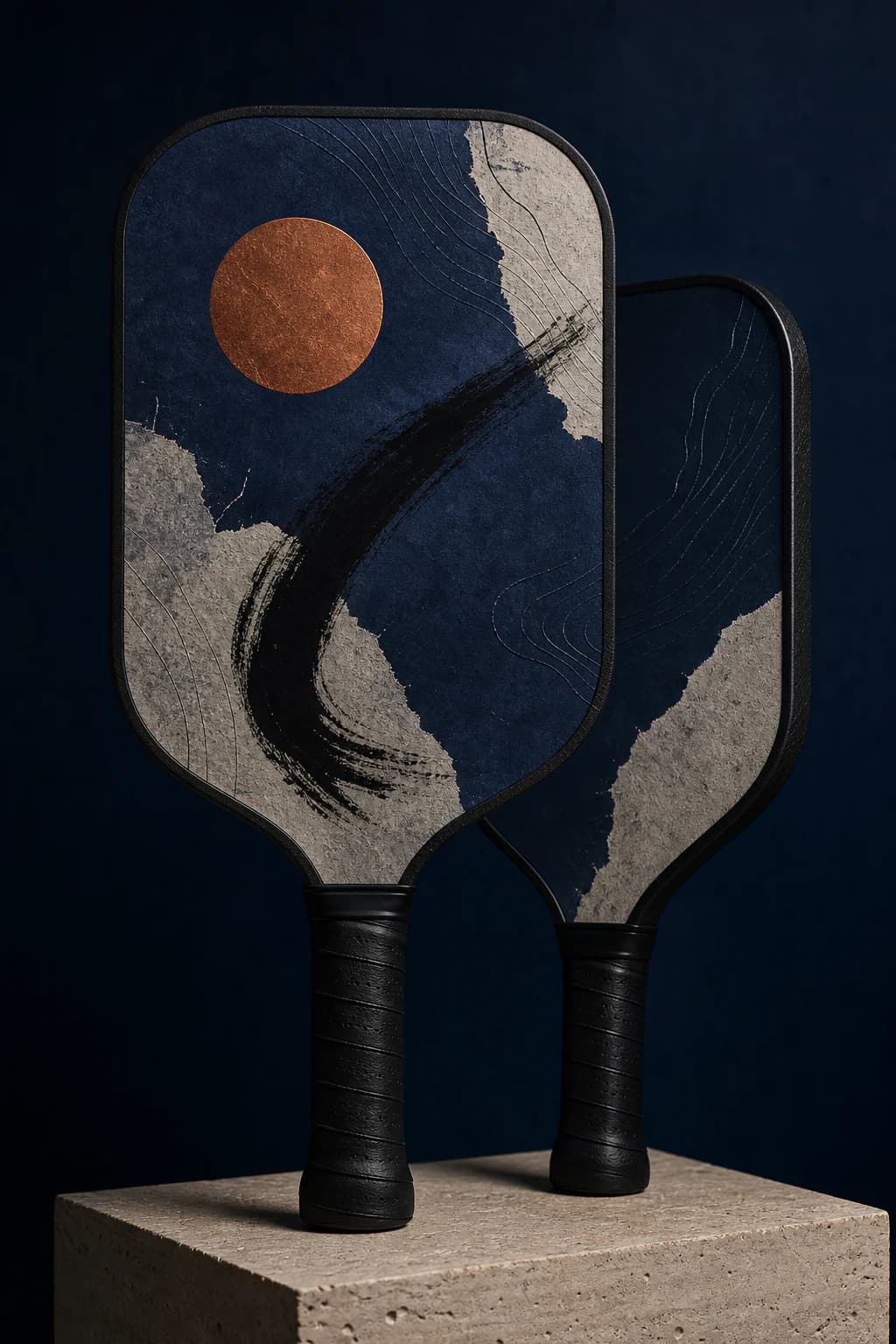
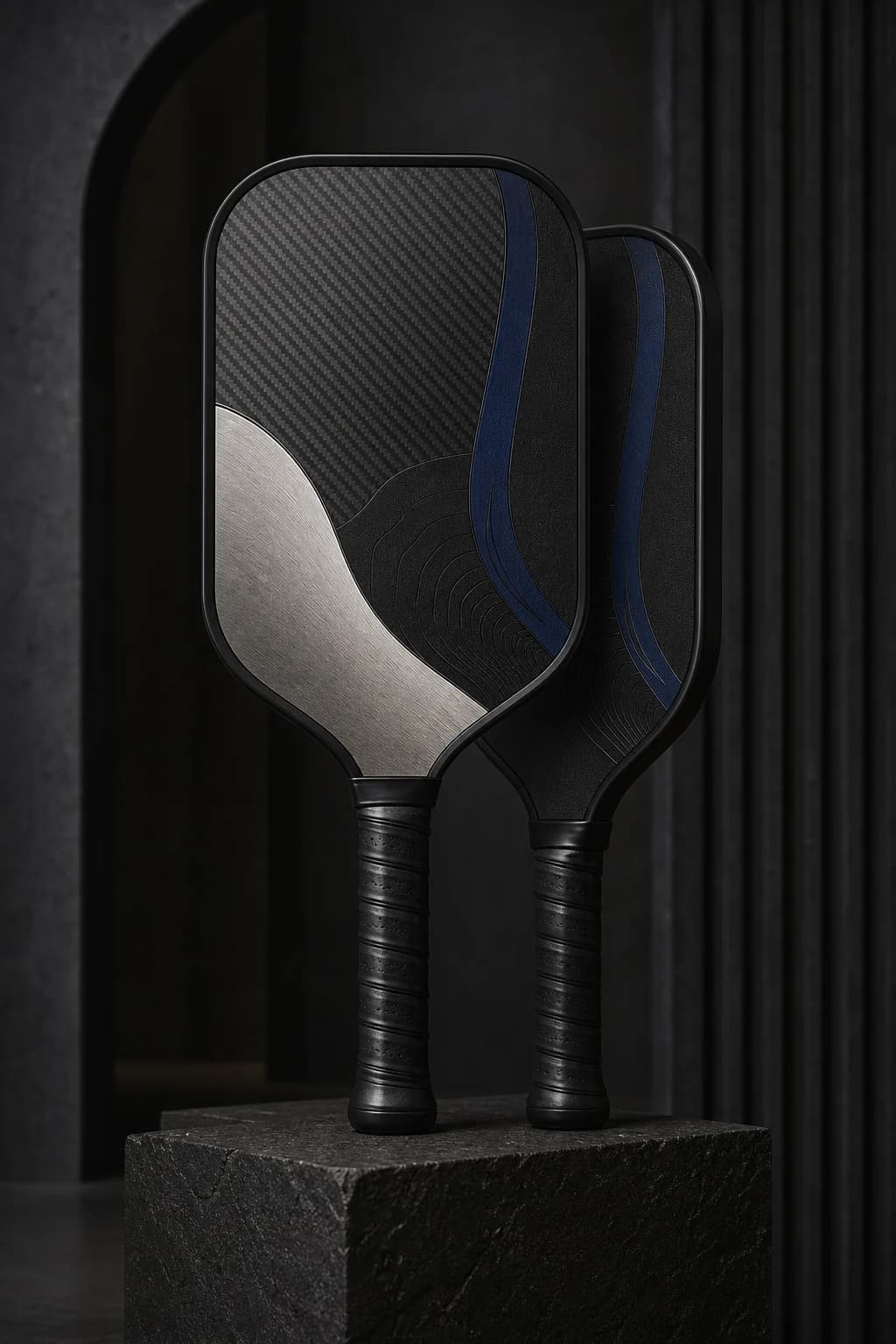
01
A photo with a point of view
Choose one clear subject with natural light and room around the face or body. A sharp phone photo is useful; a crowded screenshot usually is not.
Start with a player, a memory, or one excellent idea. Choose a reviewed direction or bring finished artwork—then judge the result on the paddle before choosing what moves forward.
Browse our strongest house styles or upload your own. Compare every option on a real paddle photograph before any order or charge.
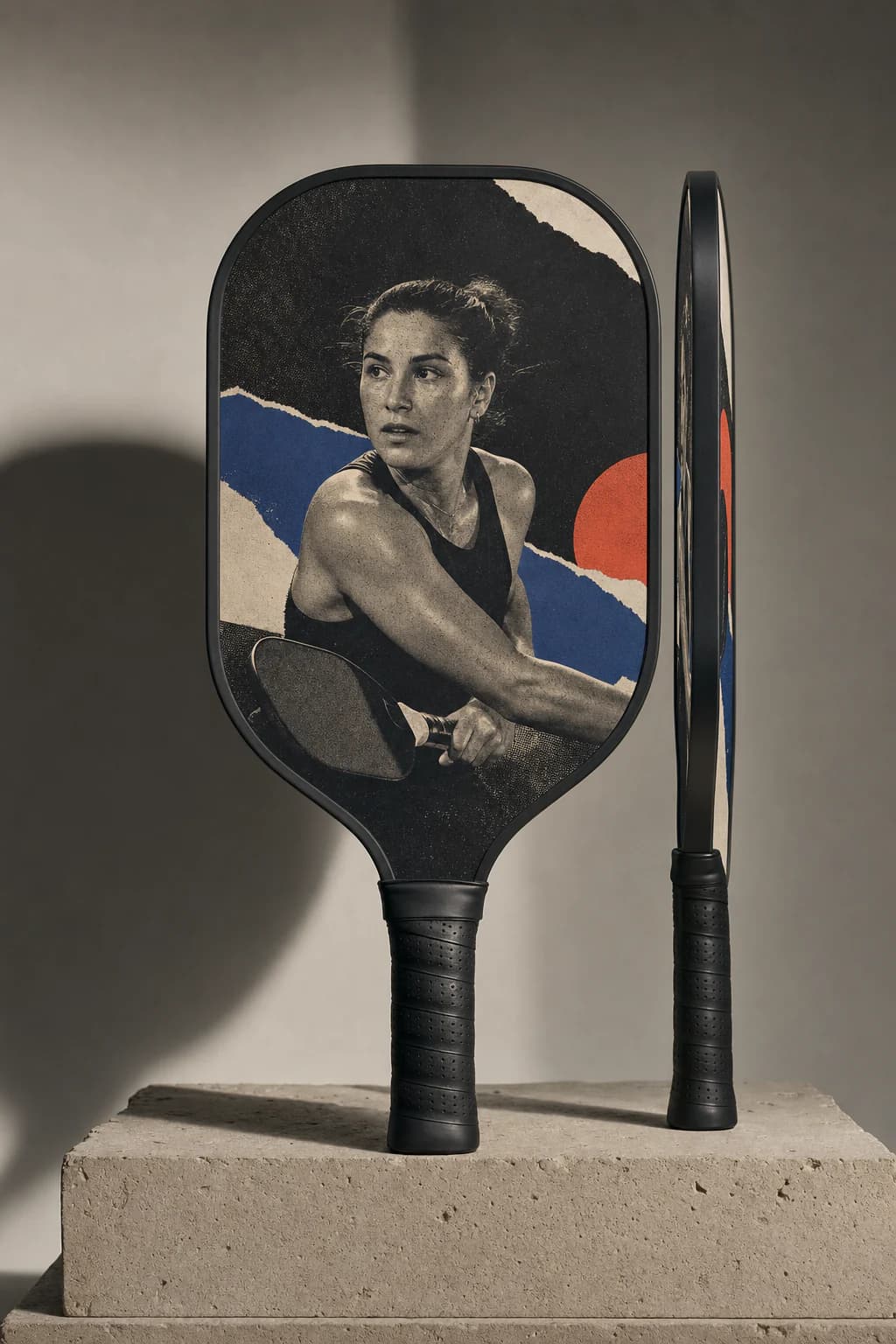
You do not need to arrive with finished artwork. A few specific, meaningful inputs give the concept enough character without making it visually noisy.
01
Choose one clear subject with natural light and room around the face or body. A sharp phone photo is useful; a crowded screenshot usually is not.
02
A nickname, jersey number, home court, meaningful year, or two-color palette makes the concept personal without covering it in text.
03
Words like quiet, fearless, precise, sun-faded, or match-day energy give the studio better creative boundaries than a long list of visual effects.
A personalized paddle does not need every possible detail. Choose one visual anchor, one supporting detail, and a clear mood. Editing is what keeps it feeling designed.
Useful rule: if removing an element makes the story clearer, leave it out.
Use one recognizable subject as the visual anchor. The composition can feel personal without adding a name at all.
Keep spelling exact and decide whether the text should lead the design or reward a closer look.
One specific detail usually carries more meaning than a list of dates, slogans, and statistics competing for attention.
Choose colors the player actually uses, then describe the feeling: cinematic, expressive, understated, sun-faded, or something more specific.
Product catalogs are good at showing inventory. This studio is designed to help you turn a personal idea into artwork you can actually judge before ordering.
01 · Start your way
Describe the idea and let us match it to a reviewed direction, or upload finished artwork. Original AI generation stays hidden until its model, review, and storage gates are all live.
02 · Choose at product scale
Every option is placed on a product-scale digital paddle preview, so crop, balance, personalization, and edge placement are easier to judge than on a floating rectangle.
03 · Approve before money moves
Generated and uploaded files are stored privately for review. You choose one direction, check the print composition, and confirm your rights before any future charge or supplier handoff.
No card is required. Paid ordering and supplier fulfillment stay closed until the remaining owner launch gates are accepted.
Explore AI StudioMake three creative decisions. We will recommend the strongest starting direction, explain the tradeoffs, and hand you a practical build plan—not a random template.
Your recommended direction
The player should stay recognizable at first glance. This direction gives one strong photo the lead, then uses type and color to frame the person instead of competing with them. Keep the treatment human: preserve recognition, natural detail, and enough restraint for the person or meaning to read first.
Build it in this order
Opens the free studio with this brief already filled in. You can curate, generate, or upload; no card is required and nothing is sent to production.
Most custom-product sites let a weak upload become tomorrow's disappointing print. Start with a fast, private readiness check and know what still needs human review.
This private browser check reads only the file dimensions and size. The image is not uploaded, stored, or used to train anything.
This is an early screen, not a production guarantee. We will review the actual composition and supplier proof separately.
What this catches
Tiny screenshots, compressed downloads, and crop-risk aspect ratios—before they become a frustrating design brief.
Start with the visual language that feels most like the player. Names, numbers, and story details are layered in after the direction is chosen.
Do not force a portrait into every custom pickleball paddle. Match the creative direction to the strongest source material and the player's actual taste.
Best when
You have one strong photo and want the player to be immediately recognizable.
Watch for
Busy backgrounds, cropped limbs, screenshots, or a face too close to the image edge.
Best when
The color, movement, place, or emotion matters more than a literal portrait.
Watch for
Too many references. Pick one memory and a tight palette so the story still reads.
Best when
The player prefers restrained gear and a name, date, or symbol can carry the meaning.
Watch for
Tiny details or low contrast that may look elegant on screen but still need a physical print check.
The studio separates the big creative choice from the small personalization choices. First choose the overall direction. Then refine the name, number, and story details that make it unmistakably yours.
Free preview
Is the overall idea, direction, and personalization worth developing?
Artwork review
Are the spelling, crop, contrast, and hierarchy ready for a production decision?
Physical sample gate
Do the printed color, fine detail, edge crop, paddle, and packaging meet the bar?
Before you start
The creative choices should feel exciting. File handling, proofing, and ordering should feel predictable.
No. Describe the player, memory, colors, and mood in plain language and the house-style route will match your brief to reviewed directions. Finished artwork is only required when you choose upload mode.
Yes. Upload mode accepts finished JPG, PNG, or WebP artwork up to 10 MB. House-style previews can also include an optional photo as a visual layer. Photo-guided AI is not live yet, so a photo is never presented as influencing generated art. Only use images and marks you own or have permission to use.
Files used for the live proof workflow are stored privately for safety and print review. They are not published as a public gallery, and no file is sent to a supplier while fulfillment remains closed.
Not yet. The digital product preview helps you choose the artwork and placement. After you select a direction, the studio prepares a versioned exact proof for spelling, crop, contrast, and print-composition review before any future checkout.
The current workflow places the same approved artwork on both faces. A different front-and-back design is not part of the launch configuration.
Not yet. The creative studio and private proof flow are open for testing, but paid checkout and supplier fulfillment remain locked until the physical sample, legal, support, and payment gates are approved.
Build a free preview with no card and no production order. You can explore the creative experience while final sample acceptance and the remaining launch controls are completed.
Explore AI Studio